
Help
Your first Ember night, in five steps.
From downloading the app and joining the room to a private wave, a match, and a hello at the bar.
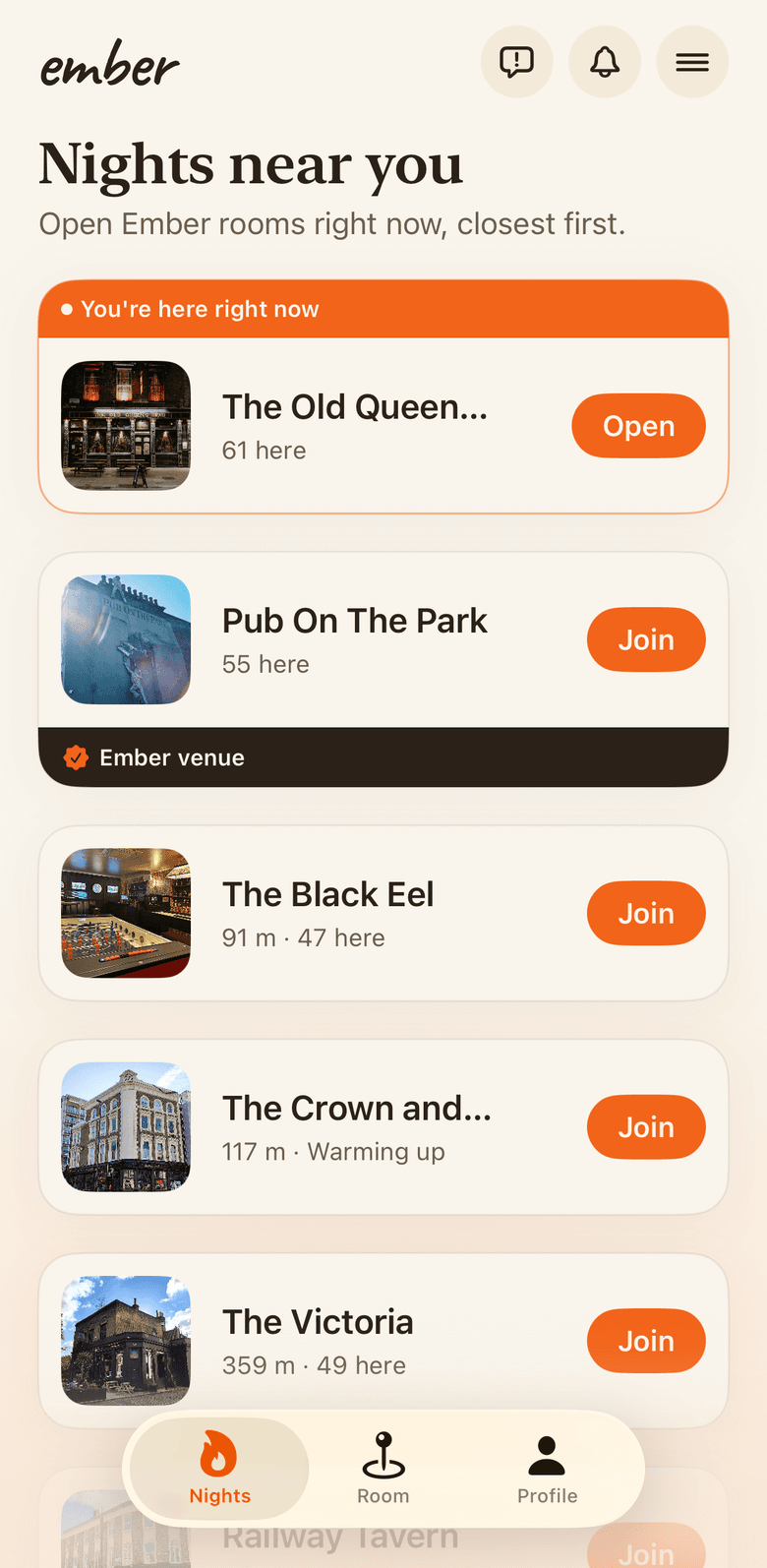
Find tonight's night
Open Ember, then scan the QR or pick the pub from the list.
Download Ember from the App Store or Google Play before your night. Once you are inside the venue, scan the QR code on the table or open Nights near you in the app and pick your pub from the list.
Ember checks that you are actually at the venue before it opens the room. Everyone you see is in the same place tonight.
The list sorts by distance, so your pub is usually the first one on it.
Join in ten seconds
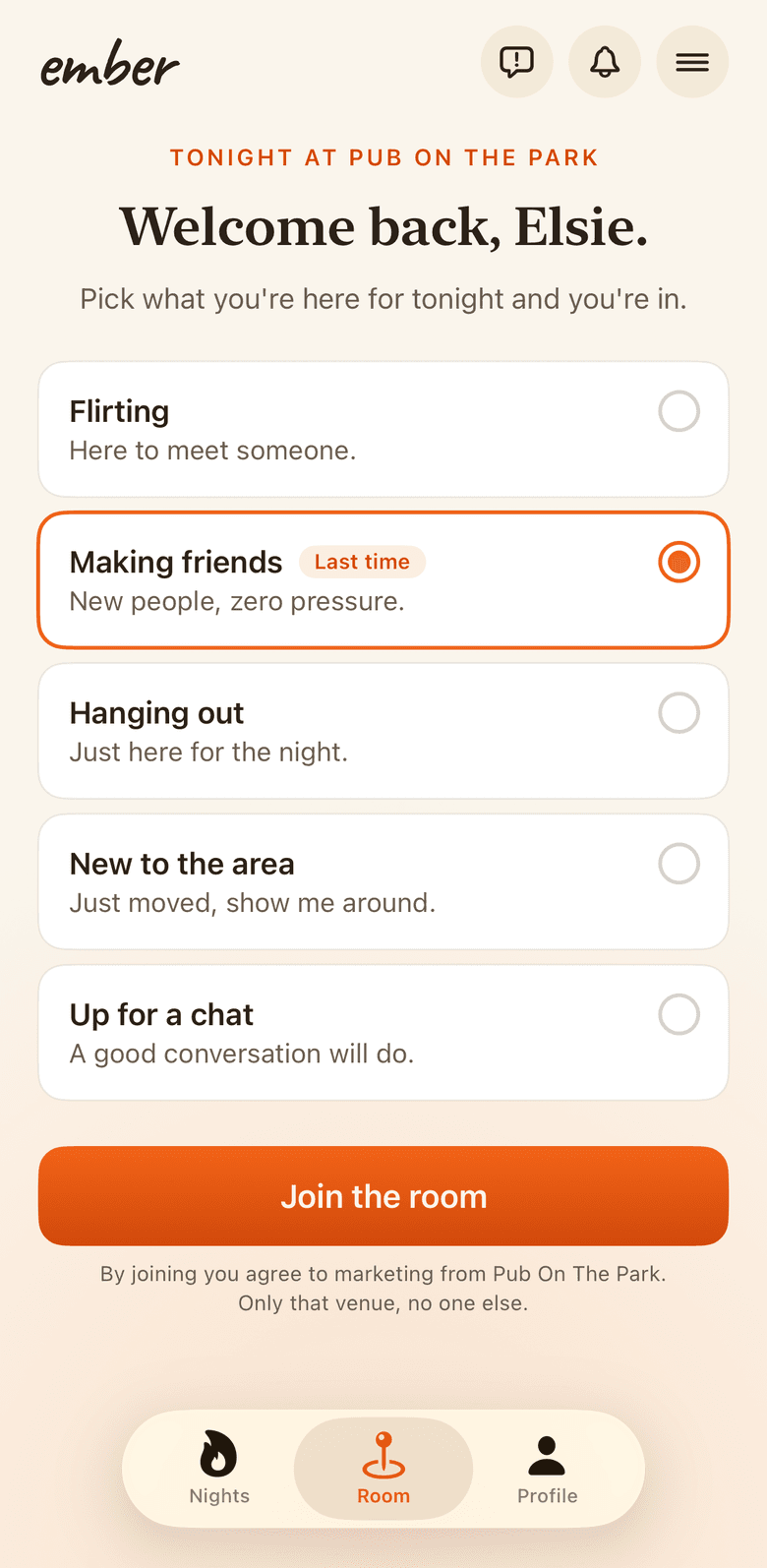
A photo, a first name, and what you're up for tonight.
A photo, your first name, and what you're here for tonight: flirting, making friends, or just hanging out. Add up to three interests if you like.
Everyone in the room has a photo. That's the deal, so you always know who you're waving at.
Your profile stays with you, so the next room takes one tap.
Wave, quietly
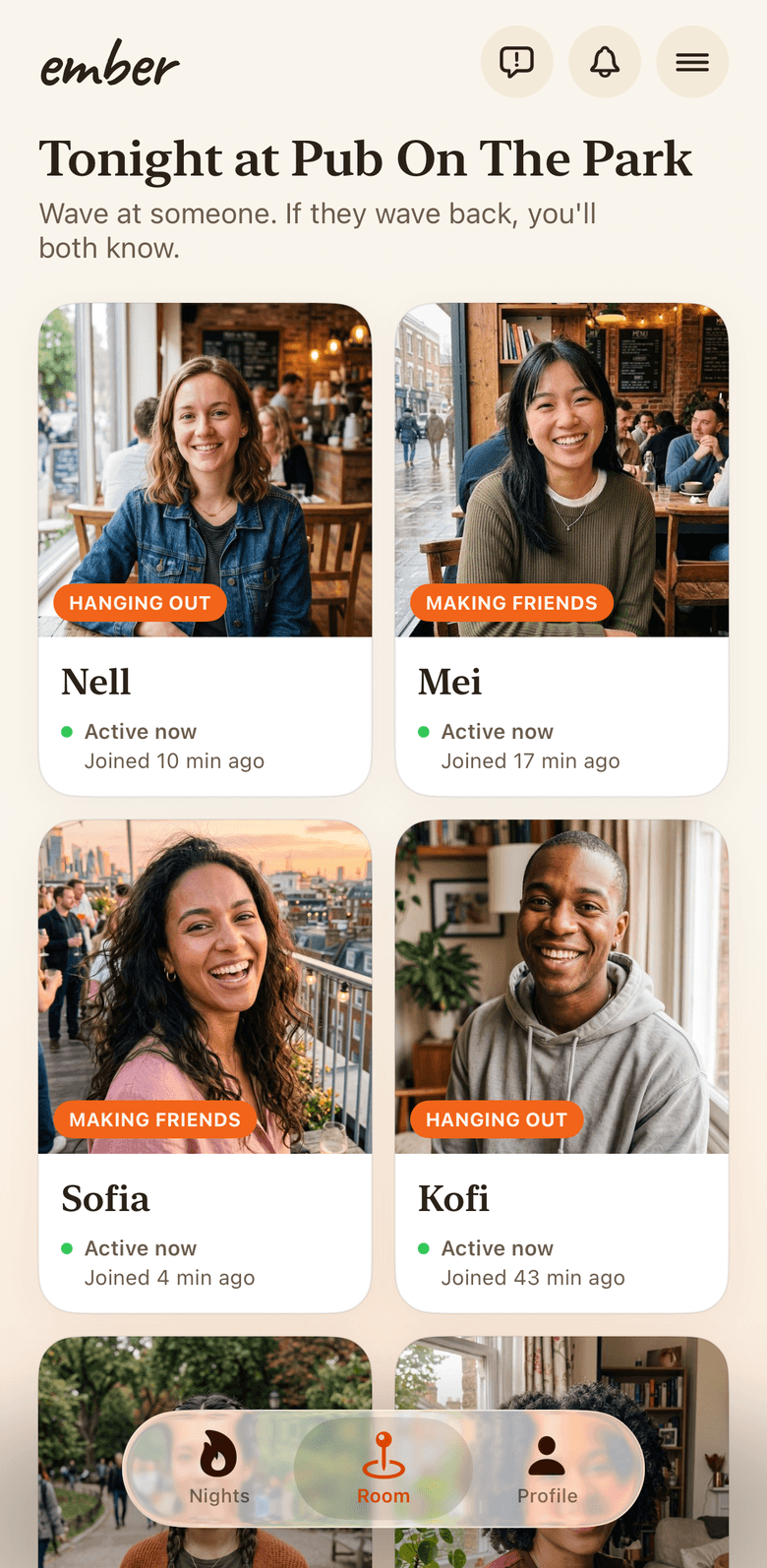
Nobody finds out unless they wave back.
The room shows who's actually there right now. See someone interesting? Tap Wave.
Waves are private. If they don't wave back, nobody ever knows, so there's no turning someone down in public and no being turned down in public.
Changed your mind? Tap the wave again to take it back.
Match, then meet at the bar
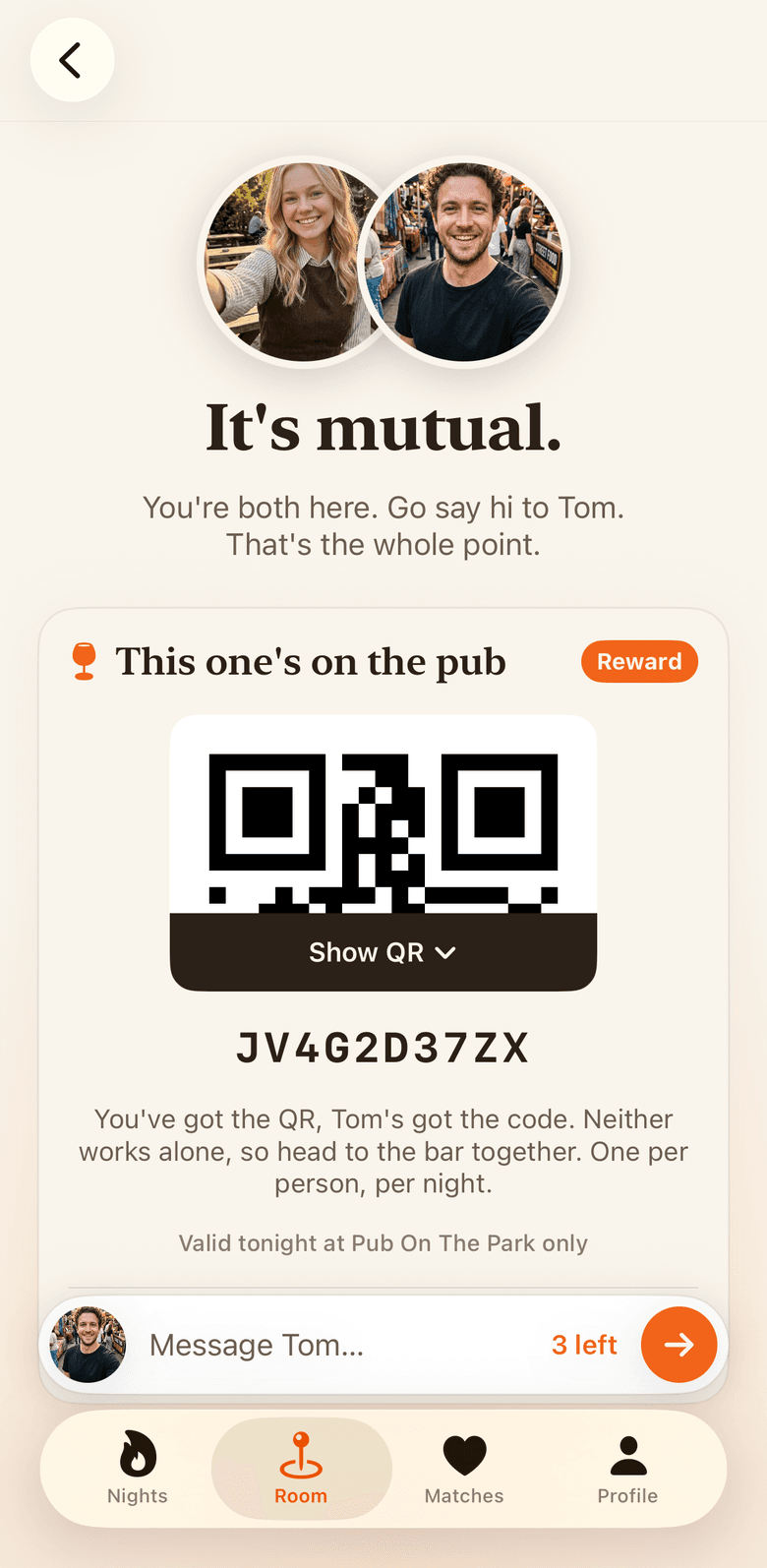
Two halves of one reward code, so you have to claim it together.
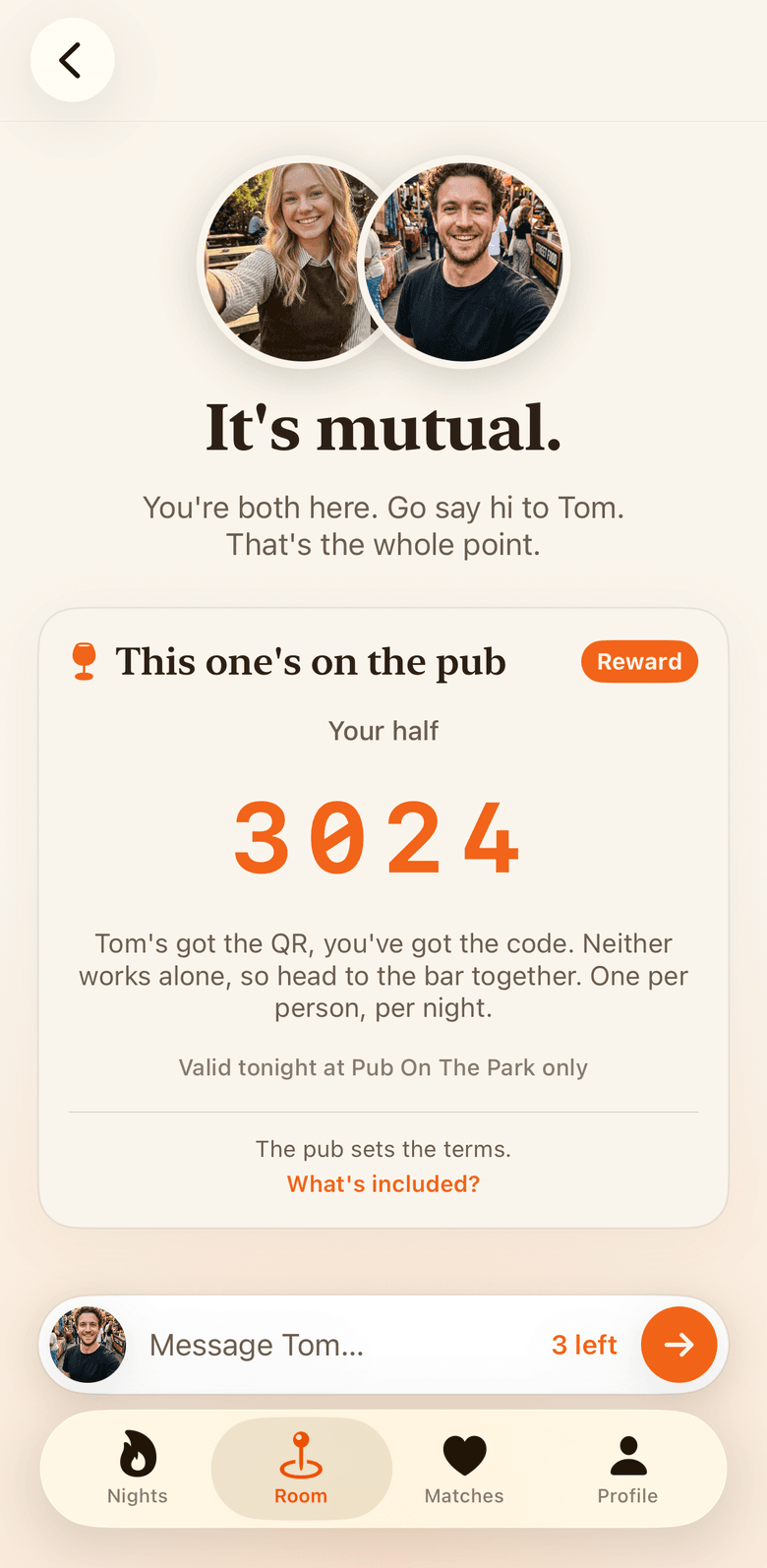
A mutual wave is a match. At an Ember venue a match comes with a match reward, split in two halves: one of you gets the QR code, the other gets a short check code. The pub sets what it covers and stands it.
The bar needs both halves, so you claim it together. That's the trick: the app's job ends the moment you say hi.
One match reward per person, per night, at the venue named on the card. A match with no reward earns points instead.
Make your profile yours
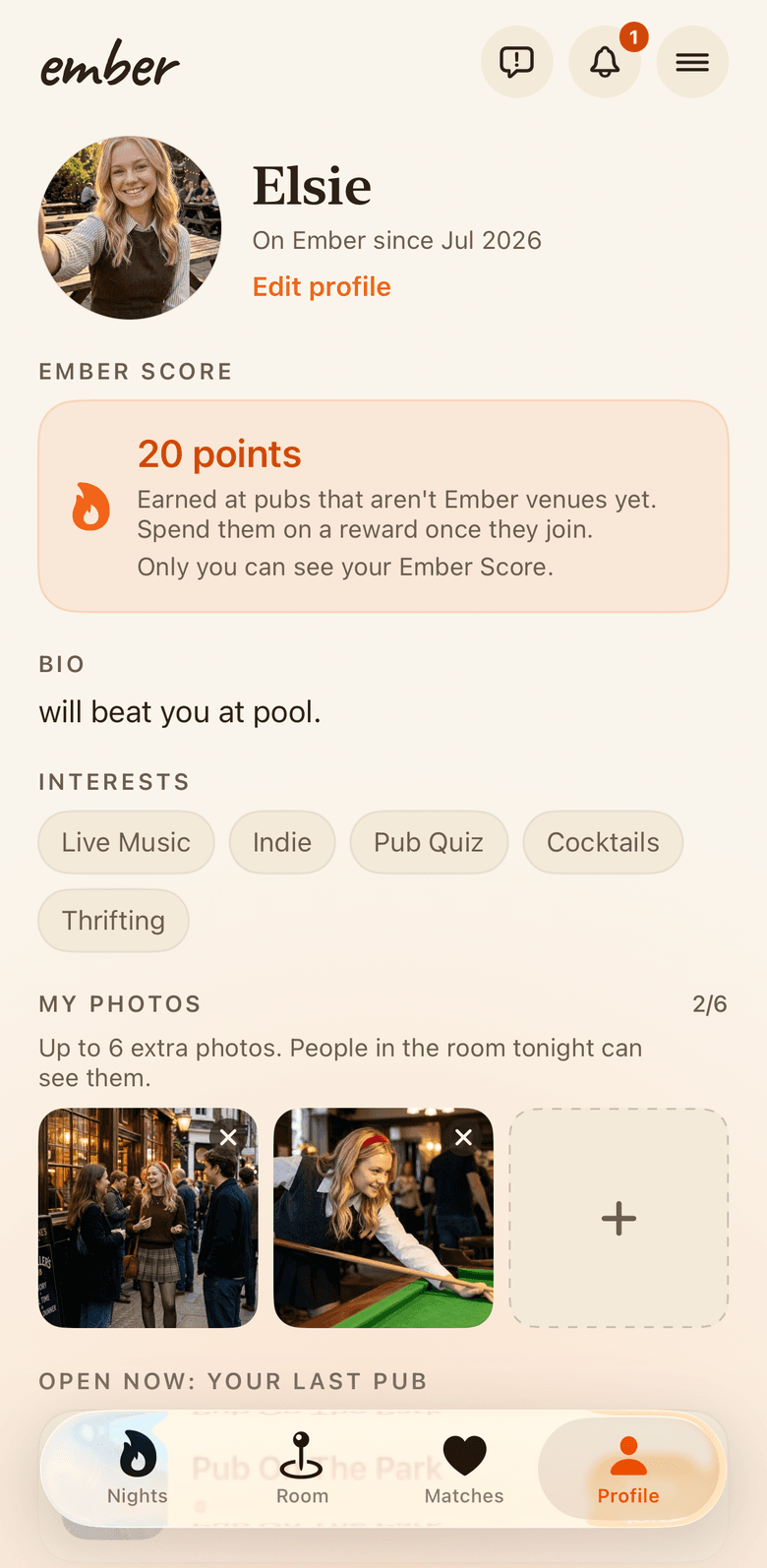
A bio, a few interests, and up to six more photos.
Your profile is just a bio, interests, and up to six extra photos that only people in tonight's room can see.
The profile stays with you from night to night. Everything that happens in a room, waves and matches included, is wiped minutes after closing time.
Every night starts clean: the room, and everyone in it, is gone by morning.
That's the whole app.
The rest happens at the bar. Find a room that's open near you and see who else is out tonight.
If someone makes you uncomfortable
Tap the three dots on their card and report them. Reporting also blocks: you stop seeing each other for the night, and they can't wave at you. If anything feels wrong in person, involve venue staff.
More questions?
Search every answer we have in the support centre, or read the FAQ. Still stuck? Write to [email protected] and a human will get back to you.